
Virtual Slab Viewing: Selling Stone Over Video Calls
How to run a virtual slab viewing for remote buyers: preparation, lighting, camera work, showing scale and features, and closing with a recorded hold.
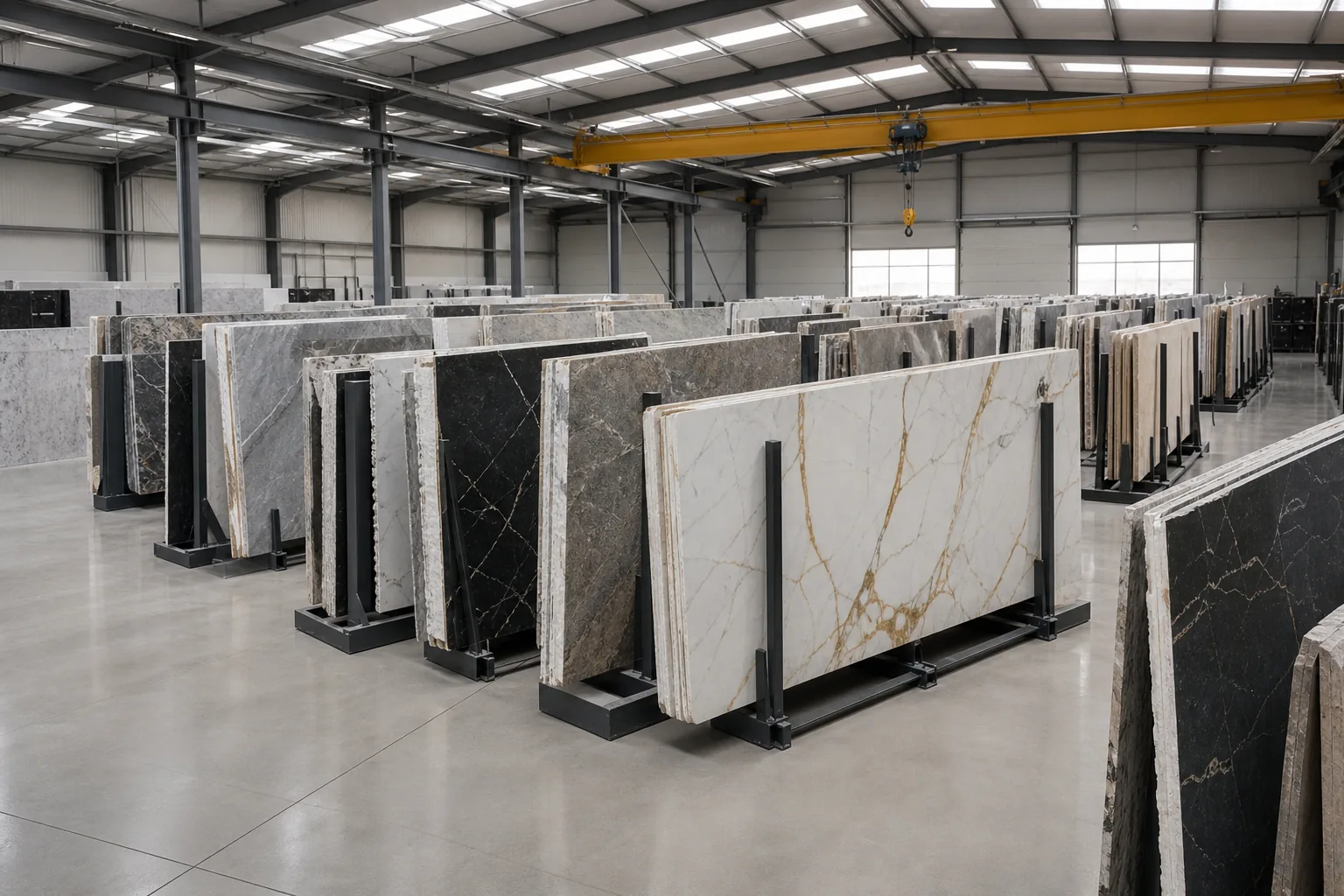
The short answer
A virtual slab viewing lets a remote buyer see real slabs live through a video call. Prepare a short list in advance, stage slabs in good light, show the full slab first and then details, demonstrate scale and finish, answer questions on the spot and finish by placing a recorded hold and sending a link with the slabs discussed.
Key takeaways
- Prepare the short list and stage slabs before the call.
- Start with the full slab, then move to details.
- Show scale with a person or tape measure in frame.
- Close with a recorded hold and a follow-up link.
When virtual viewing helps
Remote viewing suits out-of-state clients, busy designers, builders managing many projects and buyers comparing high-value slabs. It also helps when a client has narrowed the choice and wants to see the final slabs before committing.

Prepare before the call
- Agree on the brief: material, color, size and project.
- Pull three to five candidate slabs and stage them where they can be filmed.
- Send the candidate list as a link before the call.
- Test the connection in the yard; weak signal ruins viewings.
Set up light and camera
- Use even, diffuse light and avoid reflections on polished slabs.
- Use a phone stabilizer or tripod for steady shots.
- Clean slab surfaces of dust before filming.
- Keep background noise low; a headset helps.
Show the slab properly
Begin with the whole slab, held steady and square, so the client understands layout and movement. Then walk slowly along the slab for detail, stopping at veins, edges and any flaws. Tilt slightly to show finish and texture.
Show scale
Stand next to the slab or hold a tape measure across it. Clients often underestimate slab size on screen.
Answer questions live
Have dimensions, thickness, finish, origin and price conditions ready. If the client wants to compare two slabs, place them side by side.
Close the call
End with a clear next step: place a hold on the chosen slabs, confirm the expiry date and send a link with the exact slabs discussed. The link becomes the reference for the client and their fabricator.
Common pitfalls
| Pitfall | Fix |
|---|---|
| Shaky handheld video | Stabilizer or second person |
| Glare on polished slabs | Change angle, diffuse light |
| No scale reference | Person or tape measure in frame |
| No follow-up | Send link and hold details immediately |
Following up after the call
Send a recap within the hour: the slabs discussed, the ones the client preferred, the hold expiry and any questions you promised to answer. Remote buyers rely on that written record because they could not walk the yard themselves.
Remote selling with iBlocky
iBlocky lets you send the candidate slabs before the call and the final selection afterwards, with photos, video and dimensions in one link. Holds are placed on the slab record, and Elite shares natively through WhatsApp and iMessage.
Frequently asked questions
Can clients choose slabs without visiting the yard?
Many do, especially with good photos, video and a live viewing. Some still visit for final approval on high-value slabs.
What is the best device for a virtual slab viewing?
A recent smartphone with a stabilizer works well, provided the yard has a stable connection and good light.
How long should a virtual viewing take?
Usually 15 to 30 minutes if the short list is prepared in advance.