
Offline Mobile Inventory for Stone Yards and Sales Reps
Why offline access matters in stone warehouses and on sales visits: dead zones, showrooms without signal, syncing changes and presenting slabs anywhere.

The short answer
Stone yards often have metal buildings and dead zones, and sales reps visit job sites and showrooms with poor signal. Offline mobile inventory lets staff view slab photos and details and present materials without a connection, then synchronize when back online. It keeps sales and warehouse work moving regardless of coverage.
Key takeaways
- Metal warehouses and remote sites often lack signal.
- Offline access keeps presentations working anywhere.
- Changes must sync reliably when connections return.
- Downloaded data should be current before visits.
Where connectivity fails
- Steel warehouse buildings blocking signals.
- Remote quarries and rural yards.
- Basements of showrooms or job sites.
- International trade shows with crowded networks.
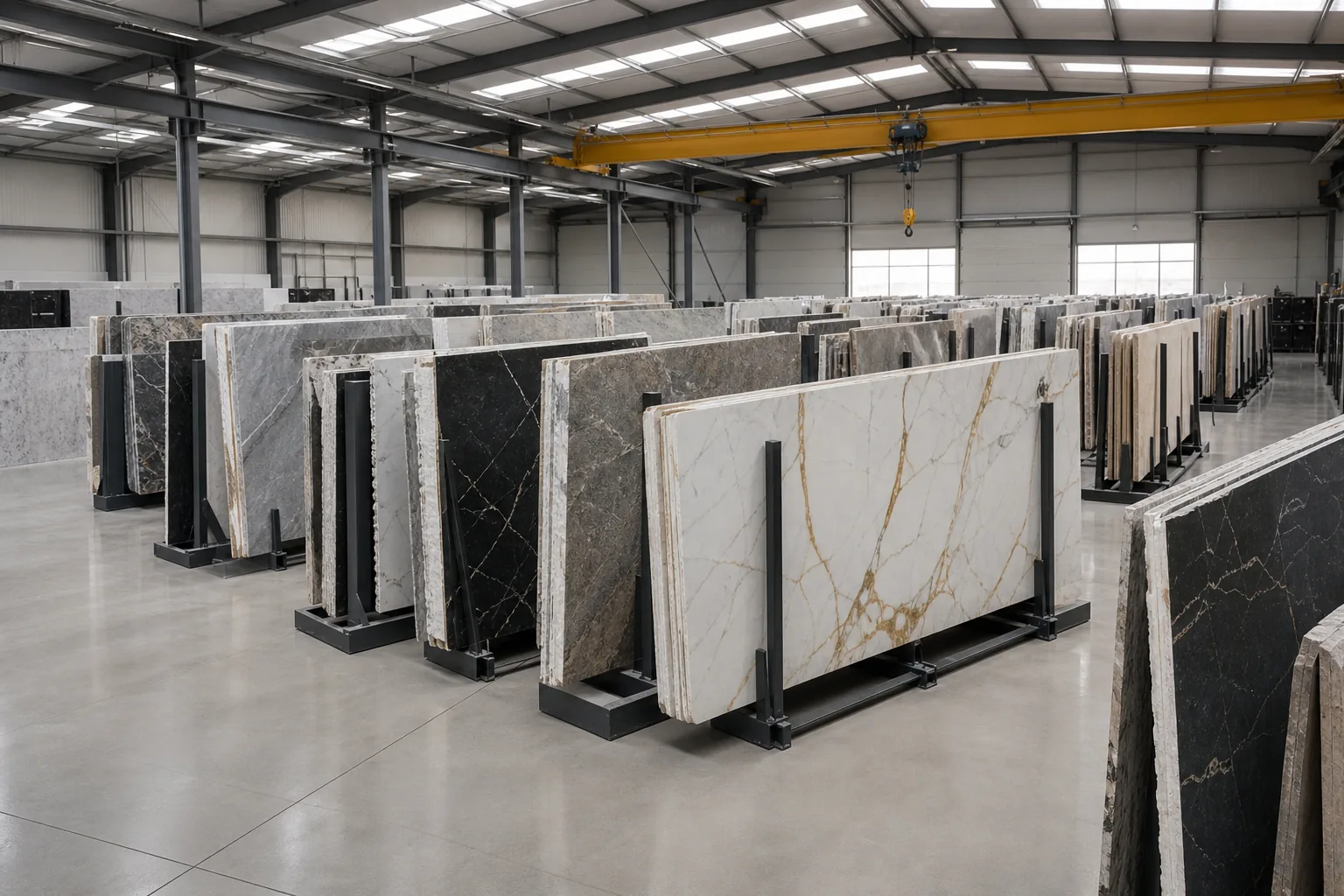
What offline access enables
| Task | Offline benefit |
|---|---|
| Presenting slabs | Show photos and details anywhere |
| Checking specs | Dimensions, finishes, certificates |
| Yard work | View records while moving slabs |
| Trade shows | Present inventory without Wi-Fi |
Syncing
When devices reconnect, changes must synchronize. The frequency and method matter: real-time sync keeps everyone aligned when connected, while daily sync suits smaller teams. Conflicts, such as two people reserving the same slab, should be resolved by clear rules.
Prepare before visits
- Download the selection you plan to present.
- Check availability before leaving.
- Confirm holds once back online.
Security
Offline data lives on devices. Use device locks and remote wipe in case of loss. See data security basics.
Limitations
Offline data can become outdated. Always confirm availability before promising a slab to a buyer, especially for popular materials.
A practical example
A sales rep visits a designer's studio in a building with no signal. With the selection downloaded that morning, the rep presents twelve slabs with photos and dimensions, notes the designer's favorites and confirms holds from the car once the phone reconnects. The visit works despite the dead zone.
Offline for yard staff
Yard staff working in signal-poor areas can view records offline and complete updates when they reach coverage. Clear procedures ensure changes are not forgotten.
Choosing devices
Rugged phones or tablets with protective cases survive warehouse conditions better than standard devices. Consider battery life and camera quality for slab photos.
Training for offline use
Teach staff how to download selections before visits and how to confirm sync afterwards. Small habits prevent outdated information from reaching buyers.
Offline at trade shows
Trade show Wi-Fi is often unreliable. Download your key inventory before the event so you can present slabs regardless of connectivity.
Security for offline devices
Use screen locks and remote wipe, and avoid storing internal cost data on devices that leave the building. Review device settings whenever staff change roles.
Offline in iBlocky
iBlocky is available on web, iOS and Android. Pro and Elite include offline access for presenting downloaded material when a connection is unavailable. Pro synchronizes daily; Elite synchronizes in real time when connected.
Frequently asked questions
Can I show slabs to customers without internet?
Yes, with an app that supports offline access to downloaded material.
What happens to changes made offline?
They synchronize when the device reconnects, according to the app's sync rules.
Is offline inventory data always current?
No. It reflects the last sync, so confirm availability before committing to a buyer.