
Choosing Stone Inventory Software: A Buyer's Checklist
What to look for in natural stone inventory software: slab-level records, photos, holds, sharing, mobile use, offline access, integrations, pricing and support.
The short answer
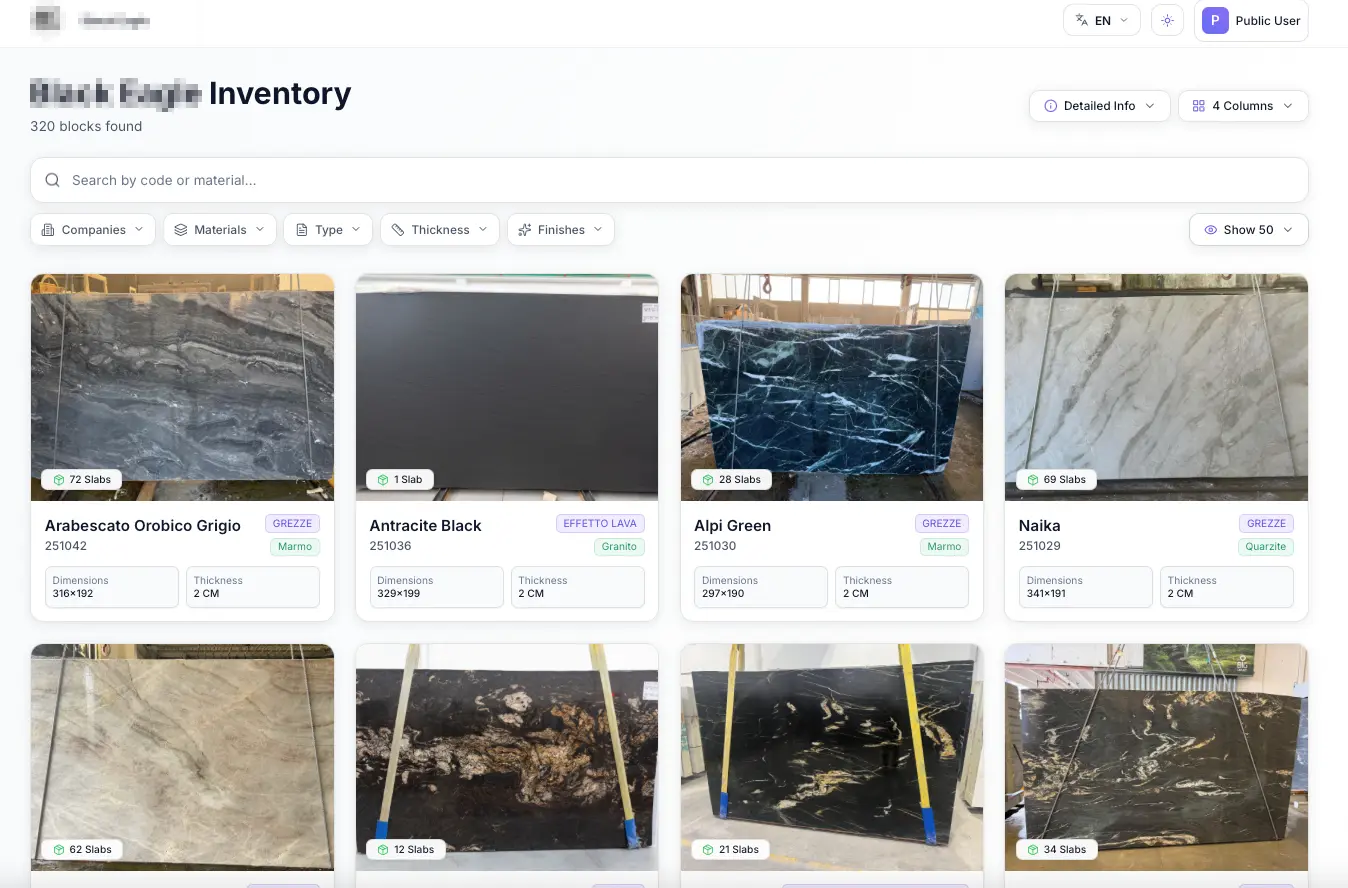
Good stone inventory software tracks blocks, bundles, slabs and remnants individually with photos, dimensions and status, records holds and sales on the exact material, works on phones in the warehouse, lets you share slabs with buyers easily and integrates with accounting or ERP systems. Test it with your own inventory and workflow before committing.
Key takeaways
- Slab-level tracking is non-negotiable for natural stone.
- Photos and sharing drive sales, not just records.
- Mobile and offline use matter in yards and on the road.
- Test with real data and real users.
Why generic inventory software struggles
Generic systems track quantities of identical items. Natural stone is the opposite: every slab is unique, has its own photos and dimensions, and can be reserved individually. Software must handle that reality. See stone inventory: Excel vs software.
Checklist
| Capability | Questions to ask |
|---|---|
| Slab-level records | Can I track blocks, bundles, slabs and remnants separately? |
| Media | Photos, video, mapscans and certificates per slab? |
| Holds and sales | Reserved on the exact slab, visible to all? |
| Sharing | Can buyers open slabs by link without an account? |
| Messaging | Sharing through WhatsApp, iMessage, email? |
| Mobile | iOS and Android apps for the yard? |
| Offline | Works without signal in the warehouse or on the road? |
| QR codes | Label generation and scanning? |
| Multi-warehouse | Several locations? |
| Users and roles | Permissions for sales, yard, management? |
| Integrations | Accounting or ERP connections? |
| Catalog | Branded public catalog? |
| Support | Onboarding, training, language, time zones? |
Test before you buy
- Load a real bundle with photos.
- Have a salesperson share it with a test buyer.
- Place and release a hold.
- Simulate a pickup with QR scanning.
- Check how quickly status updates for other users.
Implementation effort
Ask how long setup takes, whether data can be imported from spreadsheets and what training is included. See migrating stone inventory from spreadsheets.
Total cost
Consider subscription, number of users, setup time, training and hardware such as label printers. Compare with the cost of errors and slower sales today.
Red flags
- Quantity-only inventory.
- Photos stored separately from records.
- No mobile access.
- Sharing requires buyers to create accounts.
Who should be involved in the decision
Include a salesperson, a yard lead and someone from accounting in the evaluation. Each sees different problems, and software that works for only one of them rarely gets used consistently.
How iBlocky fits
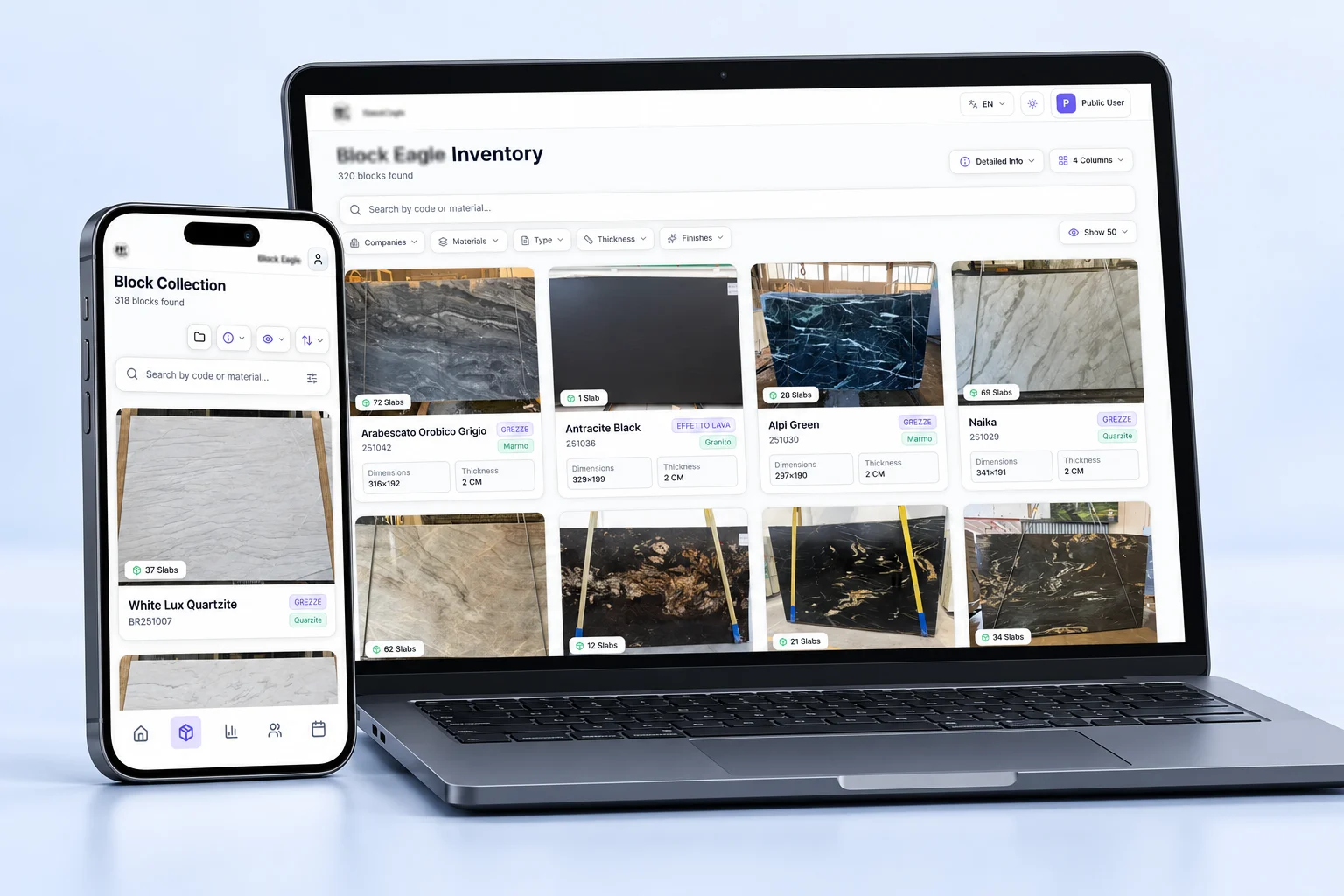
iBlocky was built for natural stone: blocks, slabs and bundles with photos, video, dimensions, mapscans and certificates; QR codes; reservations and sales; shareable links buyers open without an account; and web, iOS and Android apps. Pro and Elite add offline access, and Elite includes native WhatsApp and iMessage, a branded public catalog, real-time sync and external ERP integration.
Frequently asked questions
What is the best inventory software for stone slabs?
One that tracks each slab individually with photos and status, supports holds and sharing, and fits your workflow. Test options with your own data.
Can stone inventory software integrate with accounting?
Many systems offer integrations; iBlocky Elite includes external ERP integration with scope reviewed for your system.
Do I need mobile apps for a slab warehouse?
Yes. Yard staff need to photograph, scan and update records where the slabs are.