
Digital Transformation for a Stone Yard: Where to Start
A practical roadmap to digitize a natural stone yard: slab records, photos, QR codes, holds, sharing, mobile tools, integrations and change management.
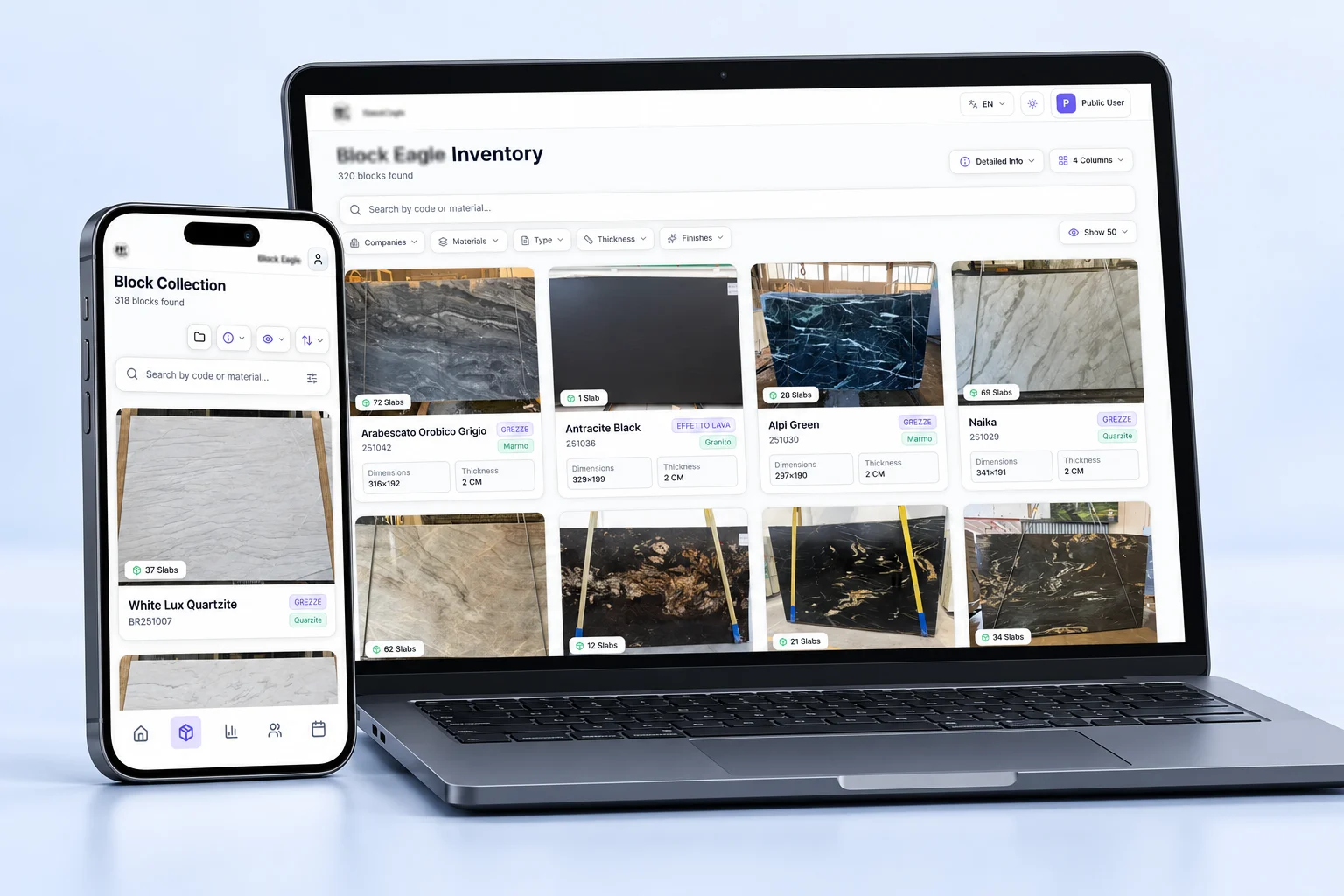
The short answer
Digital transformation for a stone yard starts with accurate slab-level records and photos, then adds QR labels, shared holds, digital catalogs and buyer sharing, mobile tools for the yard and integrations with accounting. Change management matters as much as software: train people, set clear rules and retire old spreadsheets once the new system works.
Key takeaways
- Start with accurate slab records and photos.
- Add scanning, holds and sharing step by step.
- Mobile tools bring the system to the racks.
- People and habits decide success.
Why digitize
Buyers expect to see slabs online, fabricators want fast answers and teams need shared information. Paper tags, phone calls and spreadsheets slow everything down and cause errors.

A practical roadmap
| Phase | Focus | Result |
|---|---|---|
| 1 | Slab records and photos | Single source of truth |
| 2 | QR labels and locations | Find any slab fast |
| 3 | Holds and sales on records | No double selling |
| 4 | Sharing and catalogs | Faster buyer decisions |
| 5 | Mobile apps for yard and sales | Work where the slabs are |
| 6 | Integrations and analytics | Less double entry, better decisions |
Phase 1: records and photos
Define your slab numbering system and set up a slab photography station. Start with new arrivals.
Phase 2: QR and locations
Label racks and slabs and record locations. See QR codes for stone inventory.
Phase 3: holds
Move all holds into the system and make it the only place availability is checked.
Phase 4: sharing
Share slabs and selections with buyers by link, email and messaging. Publish a catalog.
Phase 5: mobile
Give yard and sales teams apps to photograph, scan and present.
Phase 6: integrations
Connect to accounting or ERP. See ERP integration.
Change management
- Explain why the change matters.
- Train by role.
- Set a date to retire old tools.
- Celebrate early wins.
- Review adoption monthly.
Measuring progress
Track how many slabs have photos, how many holds are recorded in the system, average response time to inquiries and wrong-slab incidents. These numbers show whether the transformation is real or only on paper.
Choosing partners
Choose software partners who understand natural stone, provide training and listen to feedback. A partner who knows the difference between a bundle and a block saves weeks of explanation.
Budgeting
Budget for subscriptions, label printers, devices and staff time for setup and training.
Common obstacles and fixes
- Staff skip scanning when busy: make scanning part of every handoff.
- Photos pile up: assign photo ownership.
- Two systems coexist: set a firm retirement date for spreadsheets.
Getting started with iBlocky
iBlocky covers phases one through five in one platform and supports external ERP integration on Elite. The 14-day Elite trial lets you test the workflow with your own slabs.
Frequently asked questions
Where should a stone yard start with digitization?
With accurate slab-level records and consistent photos, starting from new arrivals.
How long does digital transformation take?
Basic phases can be implemented in weeks; full adoption depends on inventory size and team habits.
What is the biggest obstacle to going digital?
Habits. Clear rules, training and retiring old tools are as important as software.