
How to Run a Stone Sample Program That Sells Slabs
Design a natural stone sample program for designers, dealers and fabricators: sizes, labeling, tracking, refresh cycles and linking samples to real inventory.
The short answer
A stone sample program puts small pieces of your materials in the hands of designers, dealers and clients. To make it sell slabs, offer consistent sample sizes, label each sample with material, finish and your contact details, track where samples go, refresh them when materials change and always link samples back to the real slabs in stock.
Key takeaways
- Samples help buyers judge color, finish and feel.
- Label samples clearly and consistently.
- Track where samples go and follow up.
- Link every sample to current slab availability.
Why samples still matter
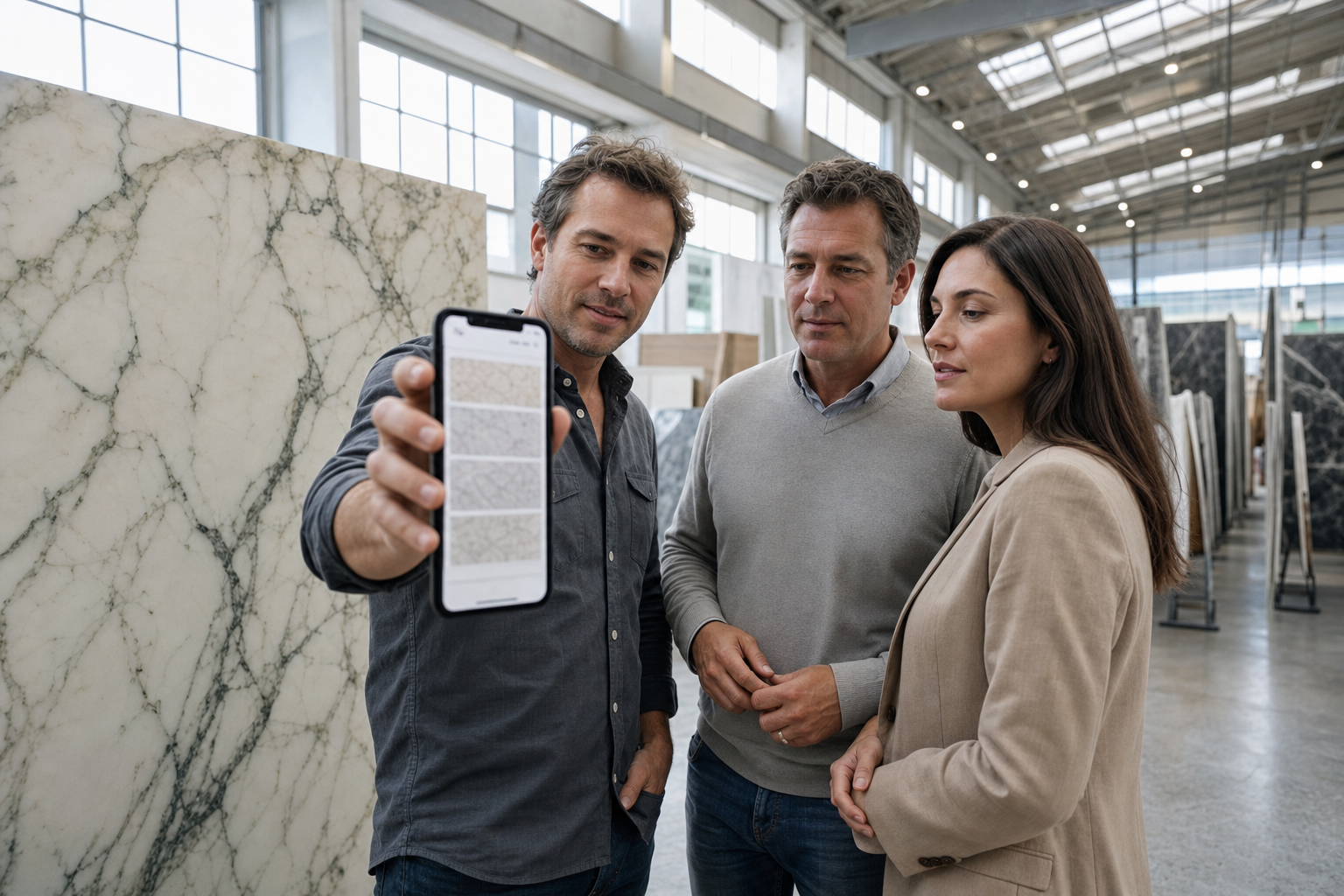
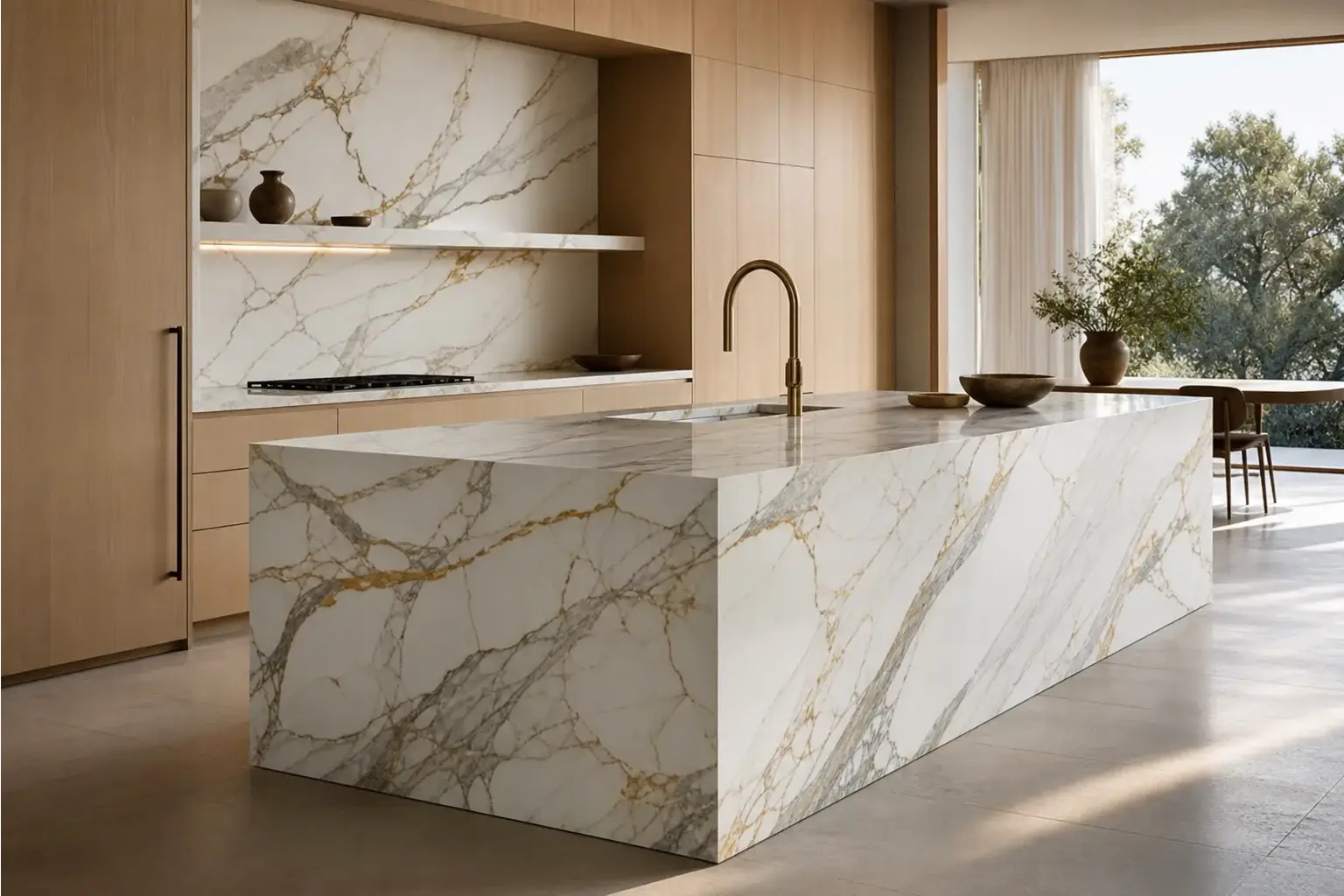
Photos show pattern; samples show finish, weight, temperature and true color in the client's own light. Designers use samples in presentations and mood boards, and homeowners compare them against cabinets and paint.
Choose consistent sizes
Standard sizes make samples easier to cut, store and ship. Many suppliers use a small handheld size for general samples and larger pieces for showroom displays.
Label clearly
- Material name and type.
- Finish and thickness.
- Origin if relevant.
- Your company name and contact.
- A code or QR linking to current availability.
Explain what a sample represents
A sample shows one part of one slab. Make sure clients understand that slabs vary and that the real slab is the reference. See explaining natural stone variation.
Track where samples go
Record which designer, dealer or client took which samples. Follow up after a week or two with a selection of available slabs in those materials.
Refresh regularly
Remove samples of discontinued materials and add new arrivals. Outdated samples lead to disappointed clients.
Make samples lead to slabs
| Step | Action |
|---|---|
| Sample taken | Record recipient and materials |
| One week later | Send available slabs in those materials |
| Interest shown | Offer visit or virtual viewing |
| Selection made | Place recorded hold |
Sample costs
Decide whether samples are free, charged or credited against purchases. Many suppliers offer free samples to trade accounts and charge retail visitors a refundable fee.
Managing sample inventory
Track sample stock like any other inventory: how many of each material, where they are and when to cut more. Running out of samples for a popular material means missed opportunities.
Sample kits for designers
Curated kits, such as "warm whites" or "bold veining," make it easy for designers to present options to clients. Include a card linking to live availability.
Measuring sample impact
Record which samples led to holds and sales. Samples that rarely convert may be outdated or poorly representative.
Retiring samples
When a material sells out or is discontinued, recall or relabel samples quickly. A designer presenting a sample of stone you can no longer supply damages trust on both sides.
Samples and iBlocky
A QR code on each sample can open the material in iBlocky, where buyers see the current slabs available. Your team can follow up with a shared selection of the real slabs.
Frequently asked questions
Should stone samples be free?
Many suppliers give free samples to trade accounts and charge retail visitors a small refundable fee.
Does a sample match the slab exactly?
No. A sample represents one area of one slab. Clients should approve the actual slab before purchase.
How do I connect samples to inventory?
Label samples with a code or QR that links to the material and its currently available slabs.