
Your slab catalog. WhatsApp and iMessage, built in.
Share slabs through native WhatsApp and iMessage integration in iBlocky Elite. Buyers open live material links without an account or app.
14 days free on Elite. Card required.
By the iBlocky team at We Make Code · Updated
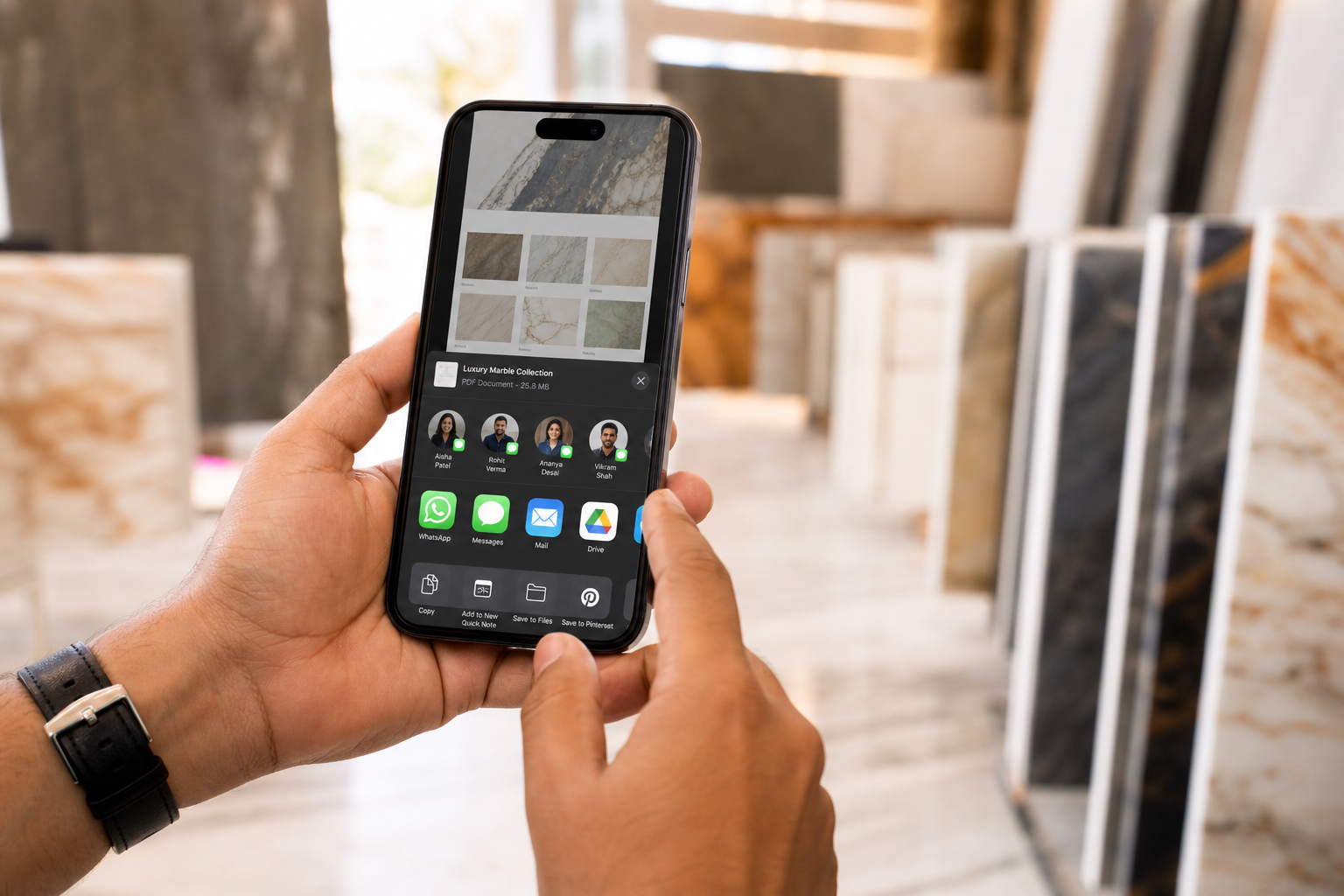
A WhatsApp slab catalog lets a stone seller send a buyer a link to specific inventory instead of a collection of loose images. On Elite, WhatsApp and iMessage are natively integrated into iBlocky: share blocks, slabs or curated selections from the platform, with material information and availability connected to the inventory.
What does native WhatsApp and iMessage integration mean in iBlocky?
Native integration means your team can share material on WhatsApp or iMessage from iBlocky on the Elite plan. You work with records already in your inventory, without downloading each photo or retyping dimensions into a message.
A distributor can send a selected quartzite bundle to a fabricator; an importer can present several blocks to a dealer. In both cases, the buyer receives a link to the specific material information rather than an image separated from its record.
Why a material link is more useful than a forwarded photo
A photo in a chat shows how a material looked when the image was sent. A live material link points to the inventory record. If the material is reserved or sold, the buyer opening the link sees its updated status.
Temporary links can expire, and your team controls what it shares and how prices are presented. This supports a more deliberate sales conversation while keeping the material’s identity, media and details together.
Choose Elite to use native WhatsApp and iMessage sharing
Native WhatsApp and iMessage integration is included in Elite alongside unlimited users, real-time synchronization and a branded public catalog. It is a specific plan capability, not a promise that every iBlocky plan includes the same workflow.
Create your contact profile and enter your company details to compare plans in USD. Elite includes a 14-day free trial with card registration through Mollie. If WhatsApp or iMessage is central to your sales process, book a demo and ask to follow a real material from selection to sharing and reservation.
Questions about WhatsApp and iMessage sharing
Do buyers need an iBlocky account to open a catalog shared on WhatsApp or iMessage?
No. The shared material link opens in a browser without a buyer account or an app installation.
Can I send a group of slabs rather than one material?
Yes. iBlocky supports sharing a single material or a curated selection. Native WhatsApp and iMessage integration is included in Elite.
Does the link stay connected to stock availability?
Yes. It points to the inventory record, so buyers see the updated status when material is reserved or sold. Temporary links can also expire.
Review your workflow with us.
Create your profile, enter your company details, then compare plans in U.S. dollars. Only Elite includes a 14-day free trial, with card registration through Mollie. Base and Pro are billed immediately.
Start free trial