
A-Frames vs Slab Racks: Choosing Stone Storage
Compare A-frames, bundle racks, flip racks and remnant racks for storing natural stone slabs: density, access, display, safety and cost.
The short answer
A-frames hold slabs leaning on two sides and are ideal for display and quick access. Bundle racks with vertical posts store more slabs per square foot but make individual slabs harder to reach. Flip racks let customers browse slabs like pages. Most warehouses combine several systems, matching each to how often material moves.
Key takeaways
- A-frames favor visibility and access.
- Bundle racks favor density.
- Flip racks make browsing safer and faster.
- All racks must be rated for stone and anchored.
Why storage choice matters
Storage decides how much stock you can hold, how fast staff can retrieve slabs, how safely customers can browse and how often slabs break. There is no single best system.
Options compared
| System | Density | Access to single slab | Display quality | Typical use |
|---|---|---|---|---|
| A-frame | Medium | Good for outer slabs | Good | Display, fast movers |
| Bundle rack with posts | High | Requires moving slabs | Limited | Bulk storage |
| Flip rack | Medium | Excellent | Excellent | Showroom browsing |
| Remnant rack | Varies | Good | Good | Small pieces |
| Transport A-frame | Low | Good | Limited | Staging and delivery |
A-frames
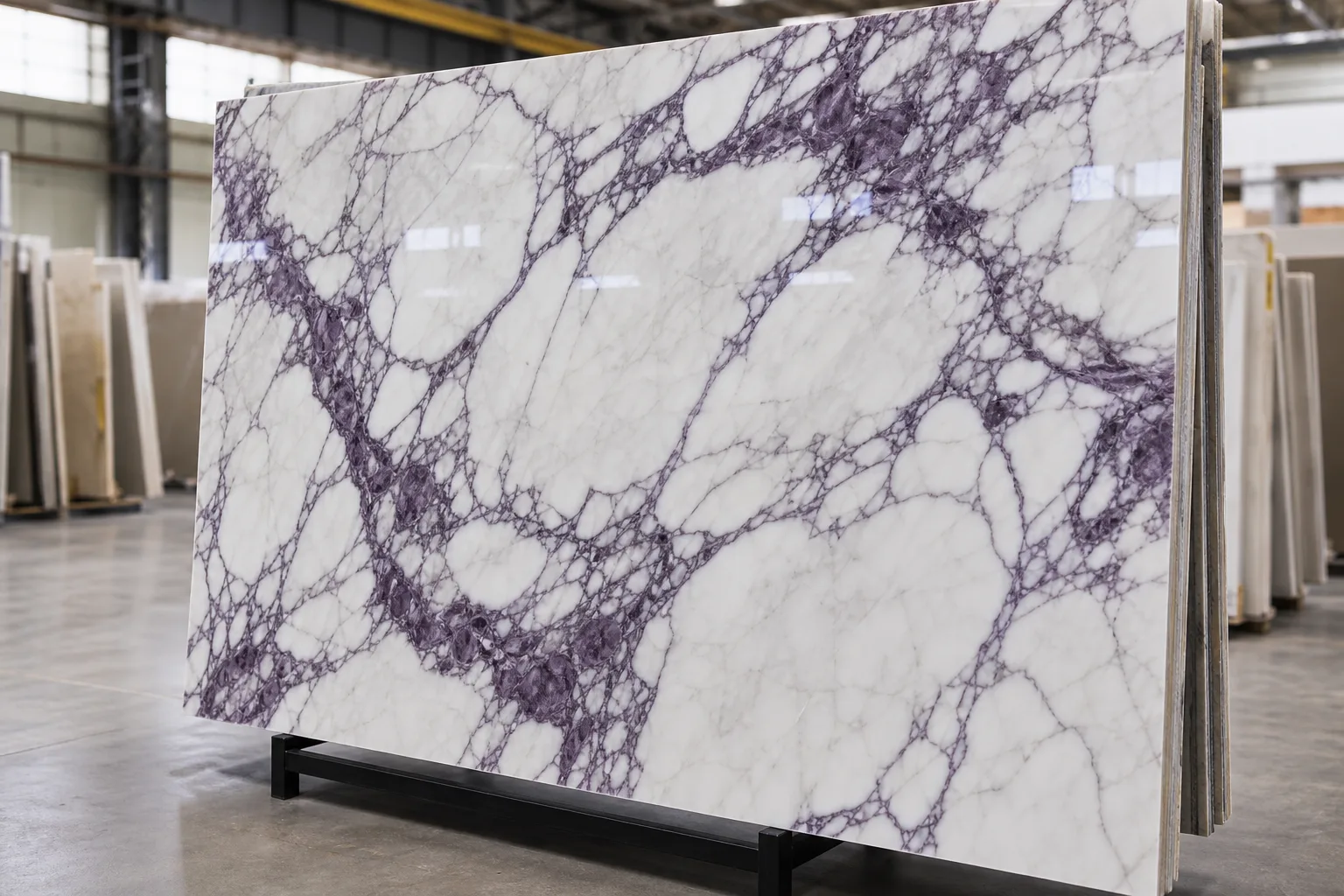
A-frames hold slabs at a slight angle on both sides. They are simple, mobile and good for showing the face of the outer slab. Slabs behind the first one require moving to view.
Bundle racks
Steel bases with vertical posts or pins hold slabs upright in rows. They maximize storage but slabs inside a bundle are hard to see without lifting.
Flip racks
Flip racks hold slabs in individual slots that can be tilted for viewing. Customers or staff flip through them like a book. They take more space per slab but greatly improve the browsing experience and reduce handling.
Remnant racks
Smaller racks or bins sized for remnants keep small pieces organized and visible. See remnant inventory management.
Choosing the mix
- Put fast-moving and premium slabs where customers browse: flip racks or A-frames.
- Store bulk and slow movers in high-density racks.
- Keep a staging area of transport A-frames near loading.
- Dedicate space for remnants.
Safety requirements
Racks must be rated for the weight they carry and anchored. Slabs should be secured against tipping, and staff should never stand between a slab and a rack during movement. Read slab handling safety.
Maintenance
Inspect racks for bent posts, cracked welds and loose anchors. Replace damaged rubber or wood protection that keeps slabs from contacting steel.
Budgeting for racks
Rack costs vary with capacity, height and features. Flip racks cost more per slab position but can reduce handling and breakage. Consider total cost, including labor saved and breakage avoided.
Knowing what is on each rack
Dense storage hides slabs. With iBlocky, every slab has photos and a recorded location, so salespeople can show a slab buried in a bundle rack without moving it.
Frequently asked questions
What is the safest way to store stone slabs?
On racks rated for the load, anchored to the floor, with slabs secured upright and handled with proper lifting equipment.
Are flip racks worth the investment?
For showrooms with frequent browsing, they reduce handling and improve customer experience.
Can slabs be stored flat?
Slabs are usually stored upright to save space and reduce bending stress. Flat storage needs full support.