
Using AI Renders to Sell Marble and Natural Stone
How stone distributors use AI visualizations to help clients imagine slabs in kitchens and baths: where renders help, their limits and honest presentation.
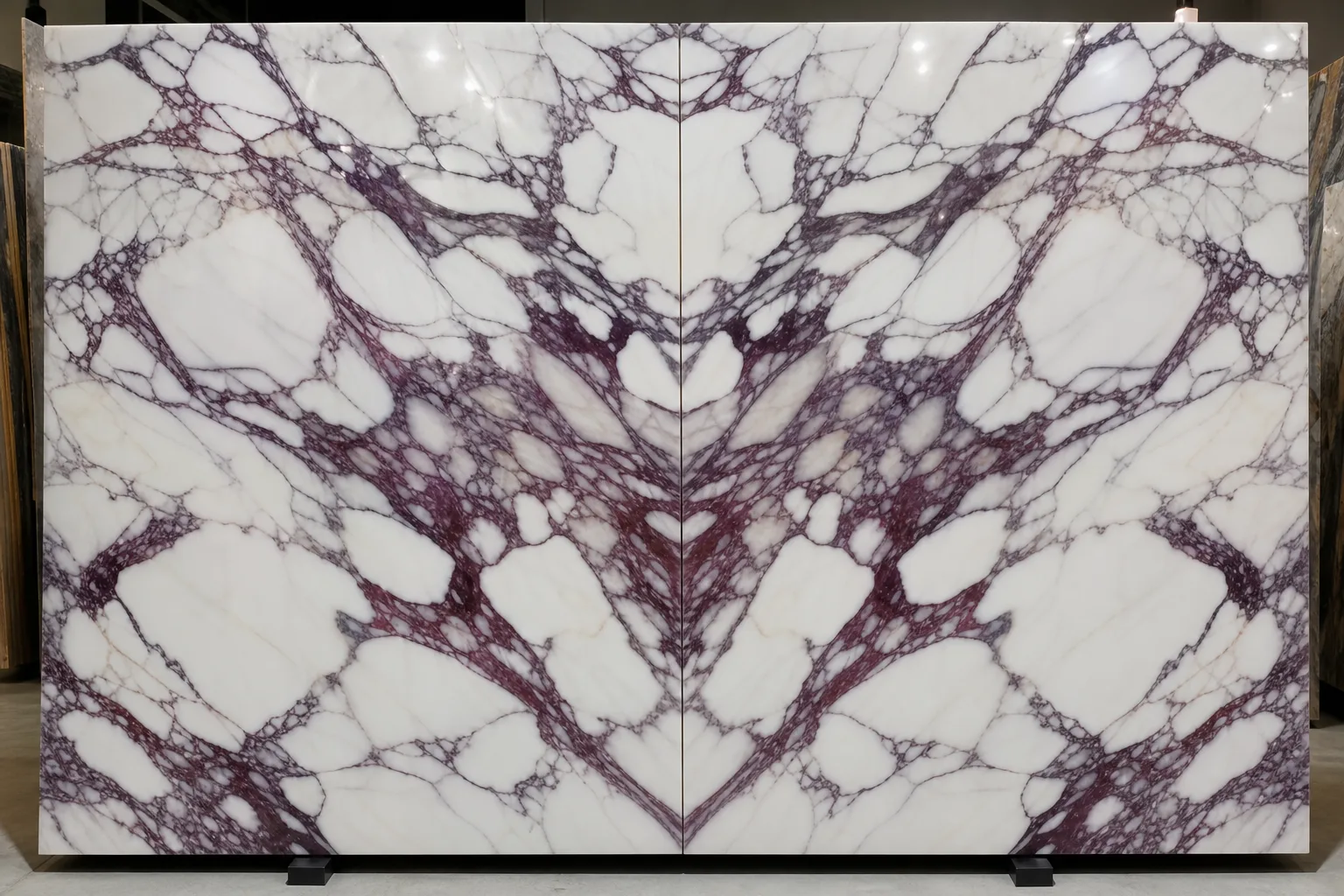
The short answer
AI renders let buyers see an approximate visualization of a slab in a kitchen, bathroom or other space within minutes. They help clients who struggle to imagine a large slab installed and can speed decisions on unusual stones. Present them as illustrations, not fabrication drawings, and always confirm layout, seams and veining with the real slab and the fabricator.
Key takeaways
- Renders help clients imagine slabs in their space.
- They are especially useful for bold or unusual materials.
- AI renders are illustrative, not fabrication plans.
- Pair renders with real slab photos and layouts.
Why visualization helps
A slab on a rack is very different from a finished island. Many buyers, especially homeowners, find it hard to imagine how a dramatic vein or a dark stone will look in their kitchen. A render bridges that gap.
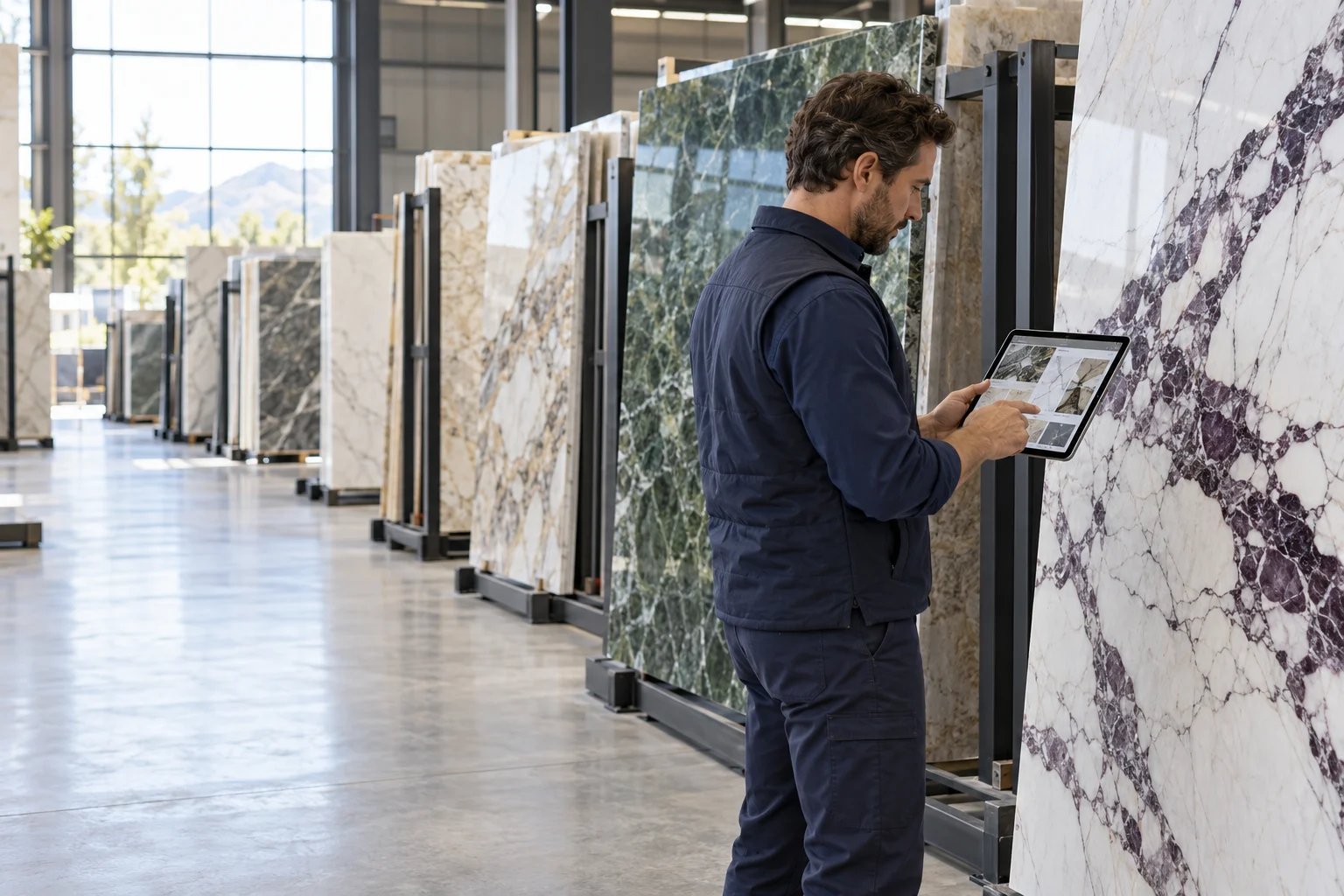
Where renders are most useful
- Bold or unusual stones that need context.
- Choosing between two or three finalists.
- Designers preparing client presentations.
- Remote buyers who cannot visit.
- Promoting slow-moving material in new settings.
Understand the limits
AI renders are approximate. They may not reflect exact slab dimensions, seam placement, vein continuity, edge profiles or lighting in the client's home. Present them clearly as illustrations, for example with a note such as "Illustrative visualization; final appearance depends on the actual slab and fabrication."
Combine renders with reality
| Tool | Purpose |
|---|---|
| Slab photos and video | What the stone really looks like |
| AI render | How it might feel in a space |
| Fabricator layout | Where cuts and seams go |
| Sample | Finish and color in the client's light |
How to present renders
- Start with the real slab.
- Show a render to help the client imagine it.
- Explain the limits.
- Move to a hold and the fabricator's layout.
Use renders in marketing
Renders of in-stock materials can enrich social posts and new-arrival emails, labeled as visualizations.
Practical workflow
- Shortlist two or three slabs with the client.
- Generate one render per slab in a similar room.
- Share renders with the slab links, labeled as illustrations.
- Use the renders to narrow to one choice.
- Move to a hold and the fabricator's layout.
When renders do not help
For clients who already know exactly what they want, or for uniform materials, renders add little. Use them where imagination is the obstacle.
Ethics and trust
Never present a render as a photo of a real installation. Clear labeling protects your credibility and avoids disputes.
AI renders in iBlocky
iBlocky includes AI stone visualization: Pro offers pay-as-you-go renders and Elite includes 300 AI credits per month. Renders are generated from your materials and shared alongside the slab record. See our AI stone visualization overview.
Frequently asked questions
Are AI stone renders accurate?
They are approximate visualizations. Use them to imagine a material in a space, and confirm the real appearance with the slab and the fabricator's layout.
Can AI renders replace a fabricator's layout?
No. Fabricators plan cuts, seams and vein alignment on the actual slab.
Do AI renders help sell slow-moving stone?
They can, by showing unusual materials in attractive, realistic settings that buyers had not considered.